The Zaras app is in the App Store and Google Play
Install Zaras on an iPhone, an iPad or an Android phone. It is free for every business.
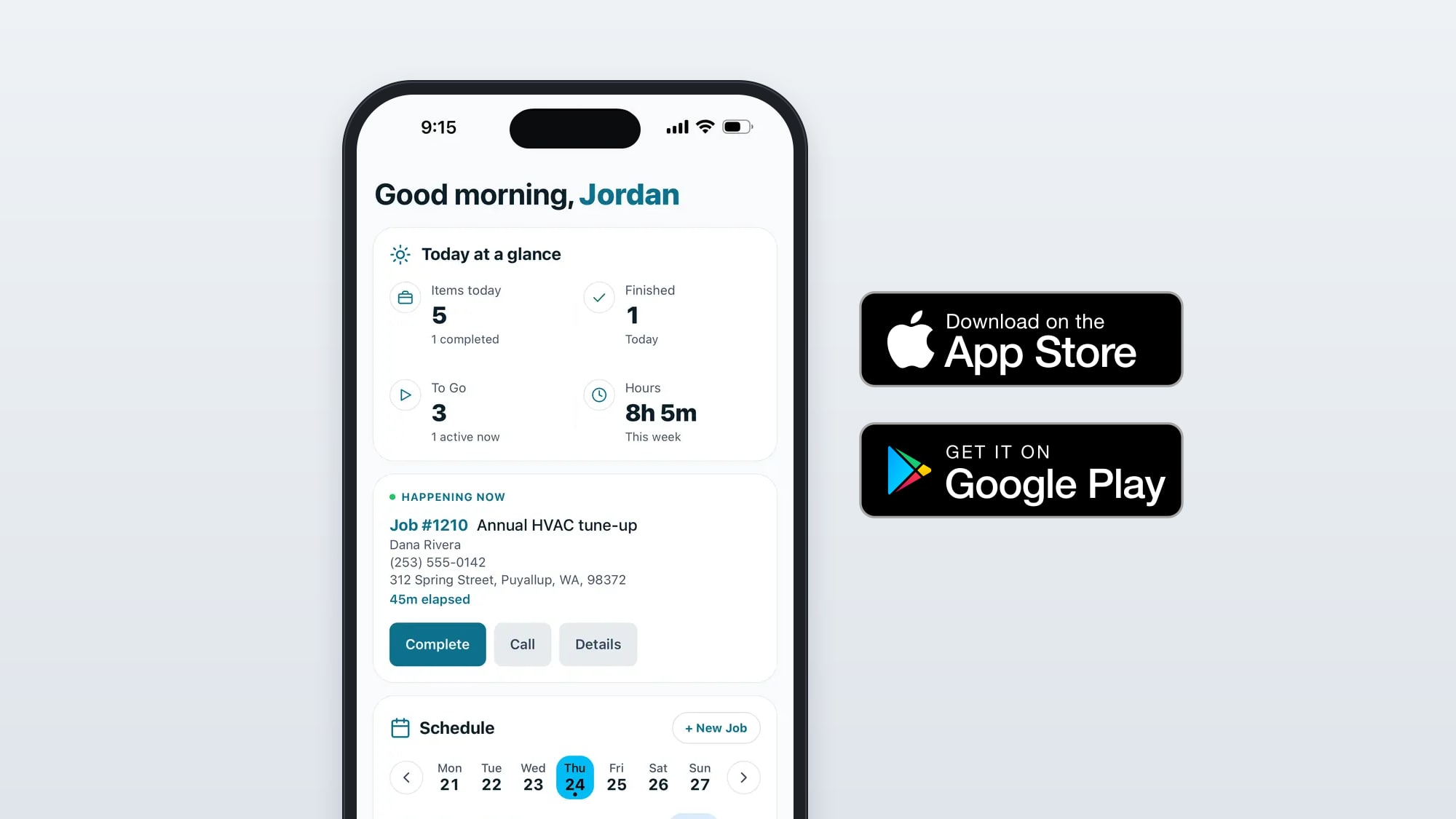
Starting today, anyone can install the Zaras app from the App Store on an iPhone or iPad and from Google Play on Android. Zaras is free for every business.


Install and sign in
- Tap a store button above, or search for Zaras in the App Store or Google Play, and install it.
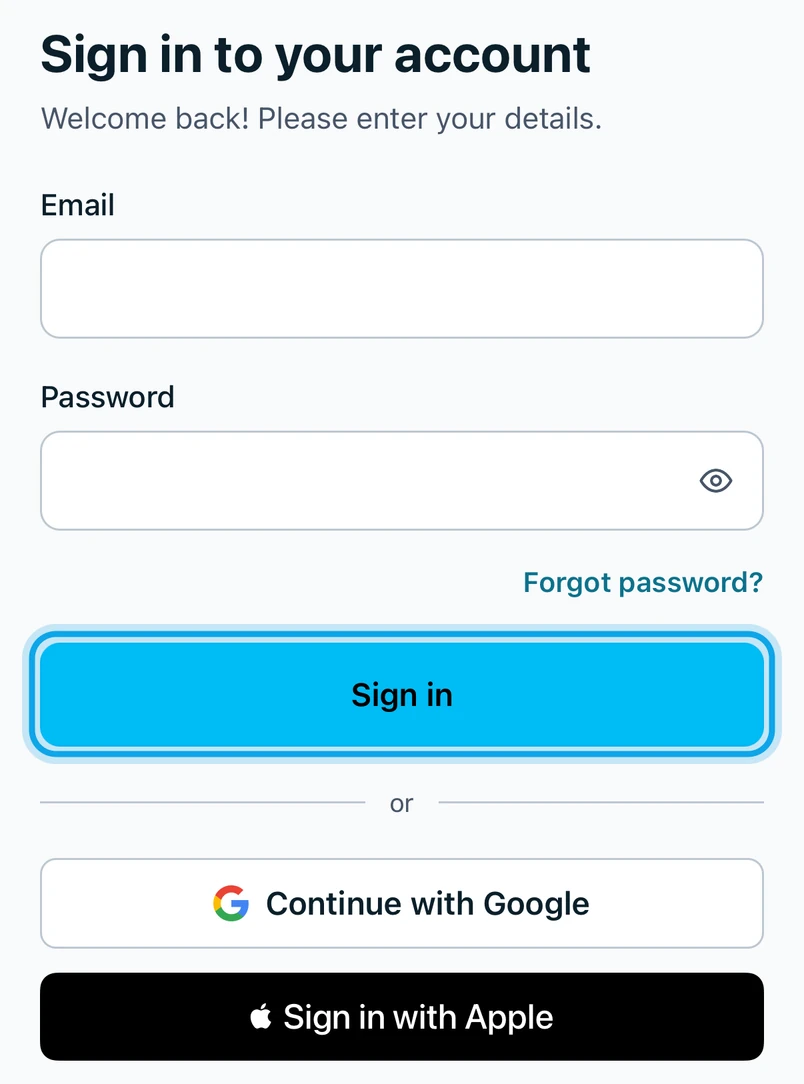
- Open it and, on Sign in to your account, use your Email and Password, Continue with Google where it is offered or Sign in with Apple on an iPhone.
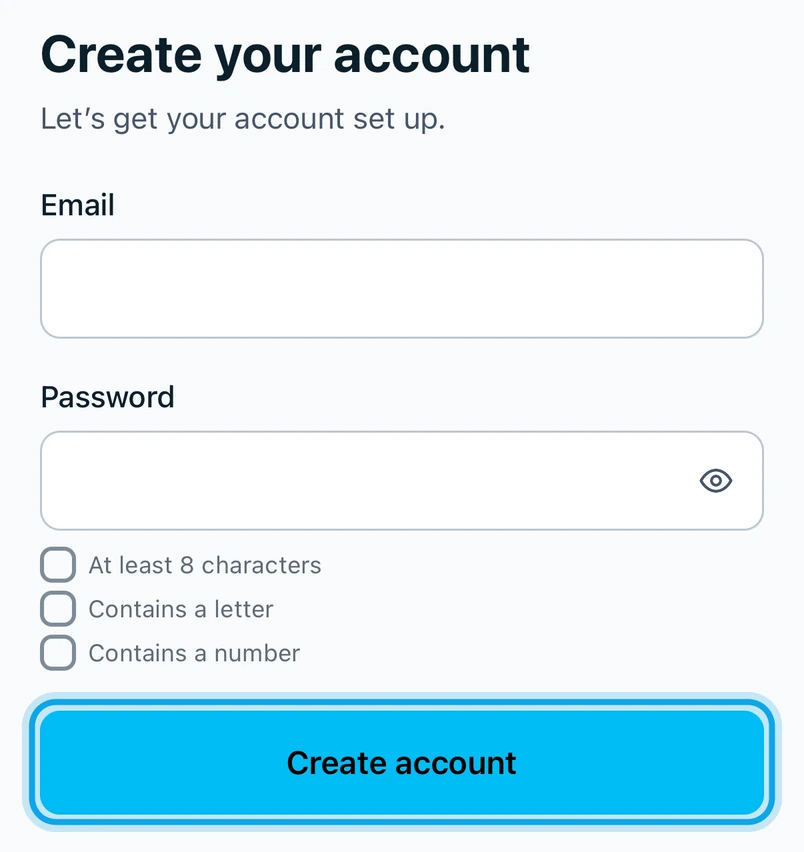
- New to Zaras? Tap Create account, enter the code from your email on Check your email and tap Verify.
Bring your crew
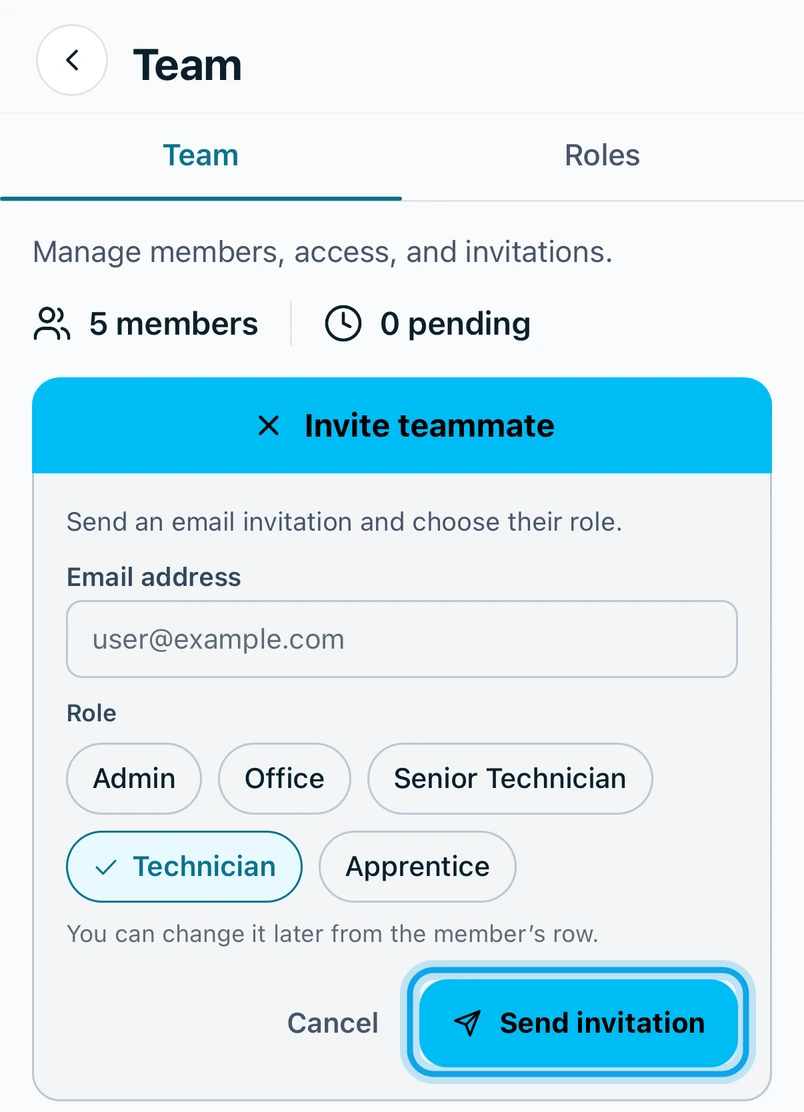
An owner or admin invites each person from Settings, then Team & roles. Press Invite teammate, enter their email address, pick their role and press Send invitation. On a phone or tablet the invite link opens the Zaras app, where they see who invited them, check the workspace and their role and tap Join.
What your crew can do from the app
- See the day at a glance and the job that is happening now.
- Open the schedule, jobs and contacts.
- Add photos to a job and get a customer's signature on an estimate.
- Record a payment on the spot.
- Track time and send timesheets for approval.
- Message the team in chat, with push notifications.
- Ask Zaras Assistant about the schedule, customers and money.
What each person can see and do is set by their role, exactly as on the web.
Install the Zaras app and sign in
Install it, sign in or create an account and join your team from an invite.
Get the Zaras app